Full order checklist
How to place an order — step-by-step file and commercial inputs.

Use this hub to prepare a complete request, understand how XFPCB handles engineering queries, and find the right next page — without a keyword dump. Clear files and named revisions get faster, more accurate fabrication and assembly feedback.
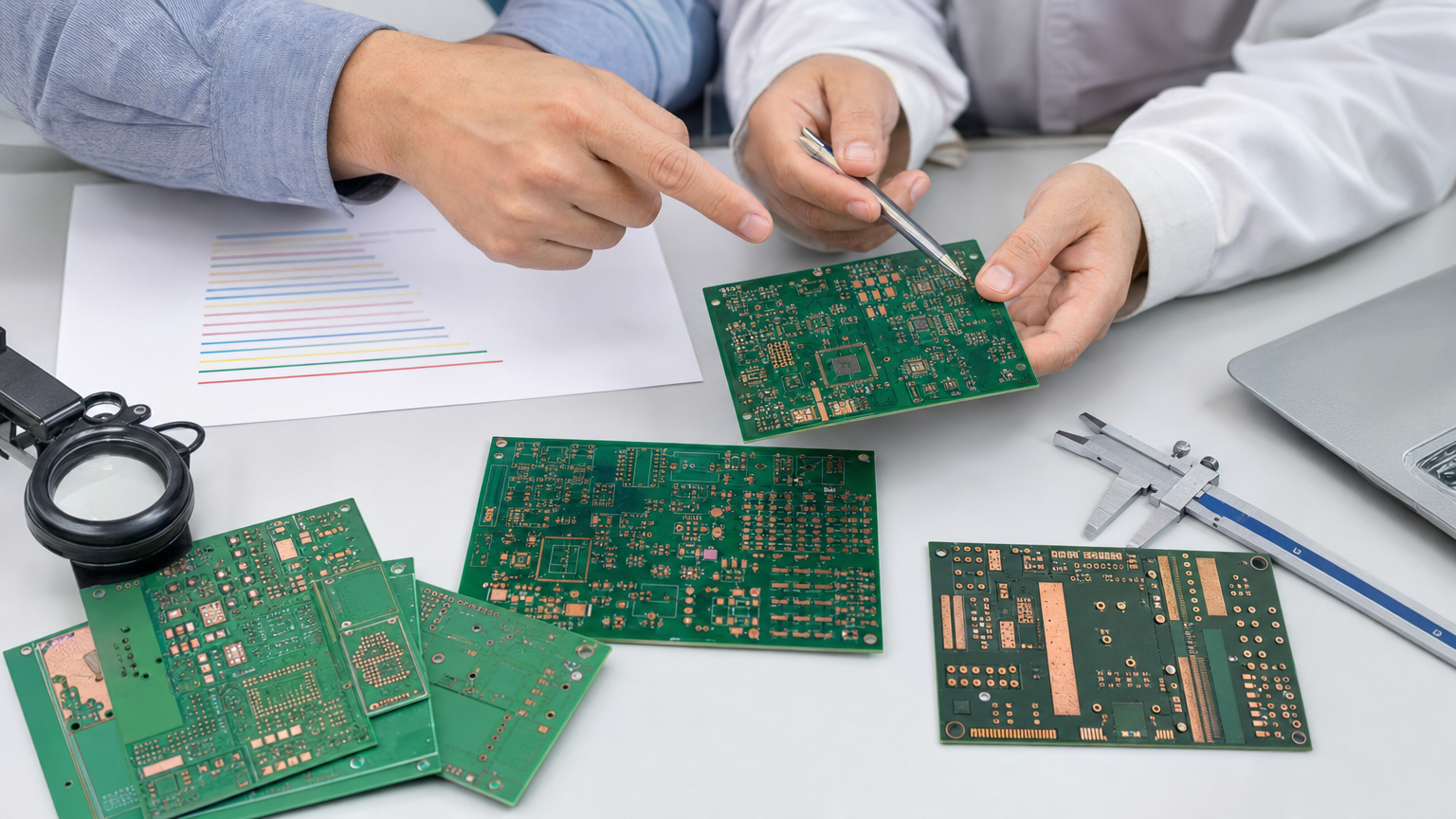
A quote-ready package lets CAM and sourcing respond with confirmed items, open assumptions, and exclusions — not a silent guess. Start with the service you need, then attach the matching fabrication or assembly inputs.
| Project type | Files and details that unlock a real quote |
|---|---|
| Bare PCB | Gerber RS-274X/X2, ODB++ or IPC-2581; NC drill; outline; layer count; thickness; copper; material preference; surface finish; mask/legend; quantity; delivery target. |
| Multilayer / HDI / HLC | Stackup or layer map; impedance table; via span / blind-buried notes; BGA pitch; min trace/space; material family; inspection expectations. See also high layer count PCB. |
| PCBA | Fab data above + BOM with MPNs; pick-and-place (CPL) with rotation; assembly drawing; DNP list; sourcing rules; test method; firmware notes; packaging. |
| Repeat / production | Previous PO or part revision; change notes; volume outlook; approved vendor list; quality history you want the factory to preserve. |
How to place an order — step-by-step file and commercial inputs.
PCB/PCBA manufacturing files — what each file is for.
PCB terminology glossary — shared language for EQ notes.
Before production release, XFPCB CAM checks whether the data package is fabricable as drawn. Typical holds include missing stackup intent, conflicting drill spans, impedance widths locked before dielectric thicknesses, copper imbalance, and unclear surface-finish or via-fill notes.
Ask for numbered DFM findings and written EQ closure. Approved deviations must land in the same revision of the fab drawing, stackup, and design data — not only in email. For deeper process context, see PCB DFM and factory DFM / EQ loop.
Attach fab (and assembly) files with quantity, destination, and target schedule. Mark preliminary data clearly.
Review numbered questions, accept or reject proposed changes, and freeze the revision that will be built.
Lock price against the released file set, Incoterm preference, and quality evidence called out on the PO.
Production follows the approved construction; reports and packing follow what you specified — not generic marketing defaults.
Factory context: PCB manufacturer. Assembly path: PCB assembly and SMT PCB assembly.
Match documents to board risk. A simple double-sided prototype and a high layer count backplane should not share the same evidence wishlist. Call out IPC class, electrical-test expectations, coupon needs, and first-article scope on the fab drawing or PO.
We do not invent lab dashboards or unpublished capability scores on this page. Define the verification package in the RFQ so engineering can quote it.
Email [email protected] or use the form. Include part number/revision, layer count or assembly scope, quantity, and which files you are attaching. Phone / WhatsApp: +86-13510098136.
Factory address: 3rd Floor, Building B8, Dongfang Jianfu Yijing Industrial City, Tianliao Community, Yutang Subdistrict, Guangming District, Shenzhen, Guangdong Province, China.