
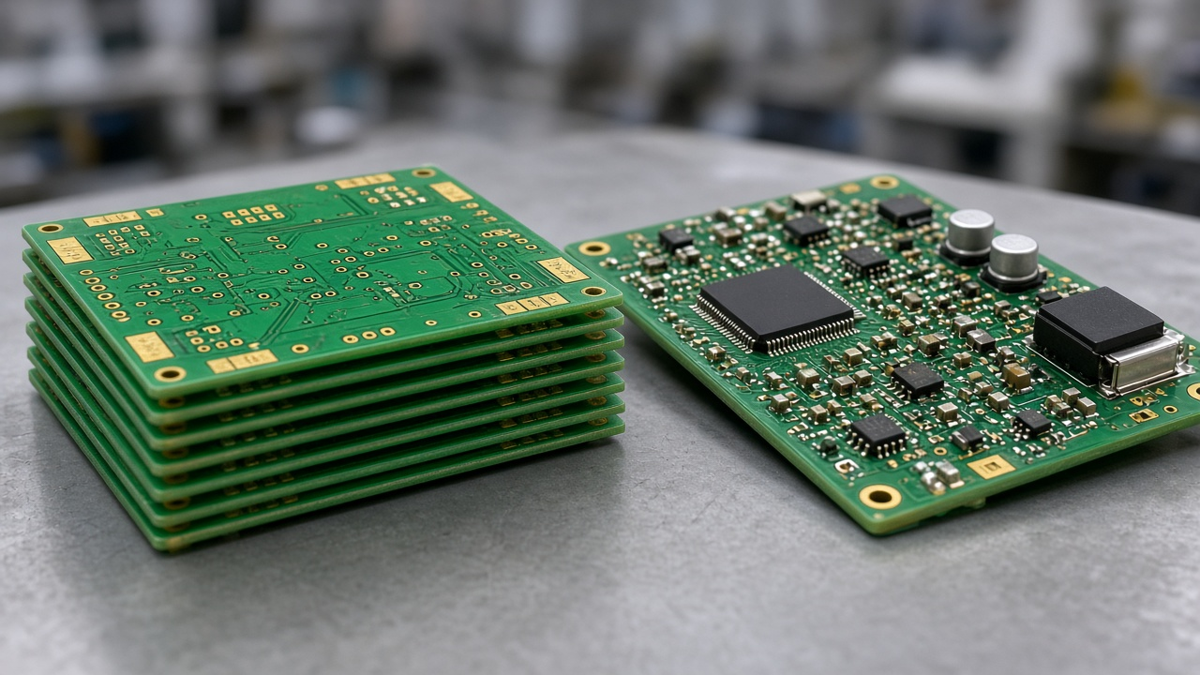
A quick-turn prototype is sold on its turnaround, but the turnaround printed on a quote only starts counting when the factory has an approved, buildable data set. Every engineering query (EQ) that sits unanswered in someone's inbox comes off the front of the schedule. In our experience at XFPCB, the difference between a prototype that ships when expected and one that slips is rarely the speed of the drilling machine or the reflow oven. It is the quality of the RFQ package and how quickly the open questions close.
This article is about that package. It does not repeat the case for quick-turn prototyping or explain what a quick-turn board is; our posts on what a quick-turn PCB is and why quick-turn prototypes earn their cost cover that. Instead, it looks at the factory's front end—quoting, CAM, DFM, and the assembly data check—and asks two questions a buyer can act on: what in the package accelerates the order, and what blocks it. It then asks a third question that is easy to forget when speed is the goal: does the fast prototype still represent the product you will build in volume?
Where the quick-turn clock actually starts
Inside the factory, a quick-turn order passes through gates before any material is cut:
- Quote review – the order is checked against capability: layer count, materials, minimum features, finish, special processes.
- CAM intake – Gerber or ODB++ data, drill files, and drawings are loaded and cross-checked.
- DFM review – features are compared against fabrication rules; anything outside rules becomes an EQ or an automatic adjustment.
- Assembly data check – for PCBA, the BOM, centroid, and assembly drawing are reconciled against each other and against the board data.
- Material and parts readiness – laminate in stock or not; components available, ordered, or kitted.
- Release – the job goes to the floor with an approved working file.
Each gate can create a question. A quick-turn order with no questions moves through these gates in a short, predictable time. An order with several unanswered questions waits at the gate where they arise, and the clock you were promised has not started. Buyers sometimes read this as the factory being slow; usually it is the package being incomplete.
The EQ-proof RFQ package
An RFQ package that rarely triggers questions contains the following. None of it is exotic, and most of it already exists in your design tool.
For the bare board
- Complete layer data in one consistent format (Gerber X2 or RS-274X, or ODB++), with every copper layer, mask, silkscreen, paste, and outline, and with layer names that make the order obvious.
- Drill files for plated and non-plated holes separately, with a tool table and finished hole sizes stated, not drill sizes, unless you intend drill sizes.
- A fab drawing or readme that states material family, board thickness and tolerance, copper weights by layer, surface finish, solder mask and legend colors, performance class, and any special requirements such as impedance control, edge plating, countersinks, or castellations.
- A stack-up when layer count, impedance, or material matters. If you want the factory to propose one, say so explicitly and give targets.
- Netlist (IPC-D-356 or equivalent) so electrical test compares against your design intent rather than against data extracted from the Gerbers.
- Panel requirement if you need one for assembly, or permission for the factory to panelize.
For the assembly
- BOM with reference designators, quantity, manufacturer, manufacturer part number, description, and package. Approved alternates where you accept them. DNP parts clearly marked.
- Centroid / pick-and-place file with reference designator, X, Y, rotation, and side, in the same units and origin as the board data.
- Assembly drawing with polarity, pin 1, and orientation marks visible for every polarized part, and notes on special processes (underfill, conformal coat, press-fit, hand-solder parts, torque).
- Kitting statement – turnkey, partially kitted, or fully consigned, and how consigned parts are packaged and labeled.
- Test requirement – none, AOI only, flying probe, X-ray for area arrays, or a functional test with a fixture you supply.
Our Manufacturing Files page describes each file in more detail. The point here is completeness and consistency: a package where every file agrees with every other file.
What blocks EQ closure
The EQs that delay quick-turn orders are predictable. Below are the ones we raise most often, and what prevents them.
Ambiguous or conflicting data. The drawing says 1.6 mm, the stack-up adds up to something else. The readme says ENIG, the quote says HASL. Two outline layers disagree. The factory cannot pick for you, so it asks. Prevention: one source of truth for each parameter, and a quick consistency check before upload.
Features outside the quoted capability. A trace and space finer than the quoted class, a via-in-pad with no fill or cap requirement, an annular ring that cannot survive registration tolerance. Quick-turn lines handle a defined capability range quickly; outside it, the order needs process engineering. Prevention: check the factory's published capability, and call out deliberate exceptions so they are quoted correctly.
Missing or unclear stack-up for impedance. "50 ohm and 90 ohm differential" without layer, reference planes, and trace geometry forces a round of questions and a proposed stack-up that you must approve. Prevention: state targets with layer and reference, and either supply a stack-up or ask for one at quote time.
BOM and centroid mismatches. A part in the BOM with no placement, a placement with no BOM line, a reference designator that differs in case or suffix, rotation that disagrees with the library. These are the most common assembly EQs and the most avoidable. Prevention: export BOM and centroid from the same design revision, and diff them.
Unclear polarity. A diode or tantalum capacitor with no mark on the silkscreen or the assembly drawing, a connector whose pin 1 is not visible after placement. Prevention: mark polarity on both, and make the marking survive the part body.
Unavailable parts. In turnkey quick-turn, a single long-lead or obsolete part can stop the whole build. Prevention: approved alternates on the BOM, or a statement that the factory may propose form-fit-function alternates for passive parts, with your approval required for anything active.
Unanswered questions. The most expensive EQ is the one answered late. A quick-turn job that waits overnight for an answer has lost a day before starting. Prevention: name an engineering contact who can approve changes, with a backup, and tell the factory which decisions you delegate.
Delegated decisions: the fastest EQ is the one you pre-answered
Many EQs have an obvious answer that you would accept anyway. Writing them down in advance removes them from the critical path. Examples of delegations buyers commonly give us:
- Adjust solder mask openings to factory rules where pad-to-mask clearance is below minimum.
- Add teardrops or adjust annular rings to factory minimum where electrically harmless.
- Remove non-functional pads on inner layers per factory standard.
- Add copper thieving in empty areas on outer layers for plating balance, outside a stated keep-out.
- Use factory-standard fiducials and rails if no panel is supplied.
- Substitute passive components of the same value, tolerance, voltage, dielectric, and package from approved manufacturers.
Write delegations as a short list in the readme. Anything not on the list still comes back as a question, which is how it should be.
Representativeness: when speed makes the prototype a different product
Quick-turn prototypes are built to answer questions about a design. They are only useful if the answers carry over to production. Several choices made for speed can quietly break that link.
Material substitution. If the specified laminate is not in stock, a quick-turn line may offer an equivalent. For a simple FR-4 digital board, that may not matter. For an impedance-controlled, high-speed, or high-temperature board, a different resin system or glass style changes dielectric constant, loss, and thermal behavior. If your test results will drive decisions, approve material substitutions explicitly and record which material the prototype used.
Surface finish. HASL, ENIG, OSP, immersion silver, and immersion tin solder differently and age differently. A prototype built on a different finish from production may show joint behavior you will not see later, or hide behavior you will.
Stack-up and copper. A prototype built on a convenient standard stack-up may not match the production stack-up you will need for impedance or warpage. If signal integrity or thermal performance is under test, build the prototype on the production stack-up.
Assembly method. Hand-placed or hand-soldered parts on a prototype do not test the stencil, paste, profile, or placement that production will use. If assembly yield is a question you want answered, build the prototype on the production line with a real stencil.
Panel and depanel. A prototype shipped as individual routed boards never experiences the panel, the depaneling stress, or the test fixture of production.
Test depth. Skipping X-ray or electrical test on a prototype to save time is reasonable for a bring-up board, but then the prototype says nothing about process defects.
We cover how construction should follow risk in more depth in prototype construction must match the risk. The practical rule for quick-turn RFQs is simple: decide which questions this prototype must answer, and mark which parameters must be production-representative. Everything else can be optimized for speed.
| Prototype purpose | Must match production | Can be optimized for speed |
|---|---|---|
| Logic bring-up, firmware | Pinout, footprints, netlist | Material grade, finish, panel |
| Signal integrity / impedance | Stack-up, material, copper, finish | Panel, assembly method |
| Thermal and power | Copper weights, material, thickness | Silkscreen, panel |
| Mechanical fit | Outline, thickness, hole positions, connectors | Material grade |
| Assembly yield / DFA | Pads, stencil, finish, panel, line | Test depth |
| Reliability pre-qualification | Everything | Little or nothing |
Quick-turn assembly specifics
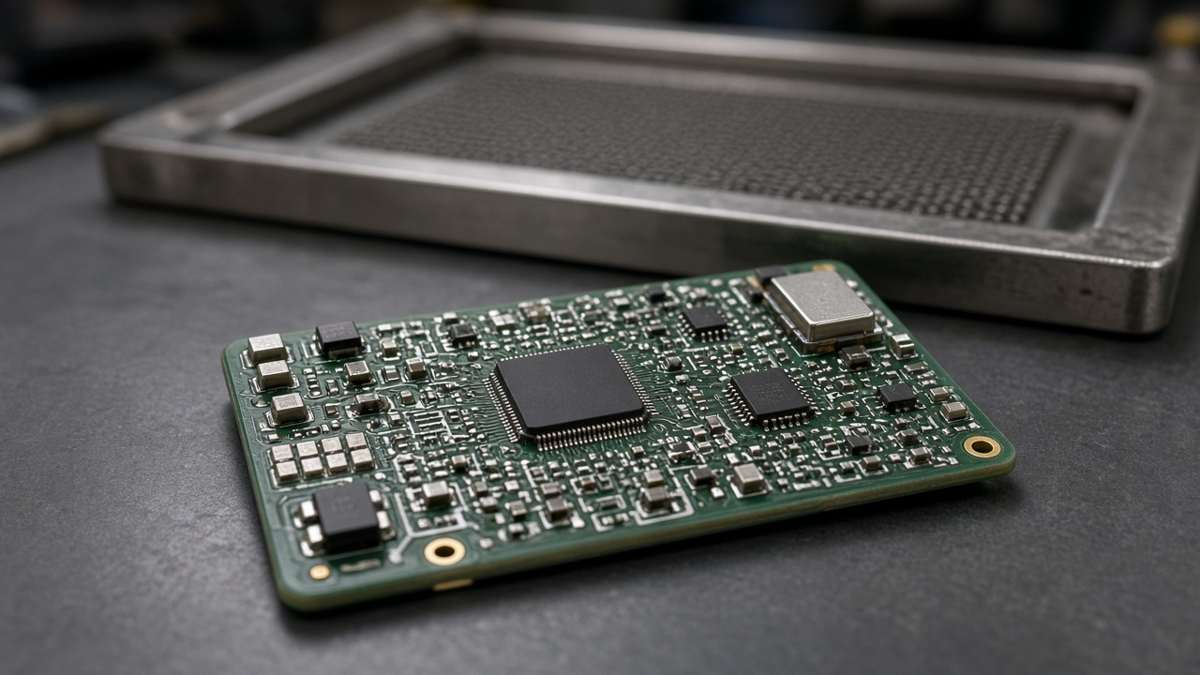
When the prototype includes assembly, the schedule depends on three things beyond the bare board: parts, stencil, and line setup.
- Parts. Turnkey quick-turn depends on stock. If you consign parts, ship them labeled by manufacturer part number and reference designators, with quantities that cover setup loss on reels and cut tape. Partial kits generate questions about who sources what.
- Stencil. A stencil is cut from paste data. If paste layers are missing or include pads that should not be printed, the stencil step becomes an EQ. State stencil thickness only if you have a reason; otherwise let the assembler choose it for the mix of parts.
- Line setup. Very small quantities still require feeder setup and a placement program. A clean centroid file and a clear assembly drawing reduce setup time more than any other factor.
Our Quick Turn PCB Assembly service runs fab and assembly together, which removes a shipping step and lets assembly data be checked while the bare board is being made.
A pre-upload checklist
Before uploading a quick-turn RFQ, we suggest a five-minute check:
- Do all files come from the same design revision, and is that revision stated?
- Does the fab drawing state material, thickness, copper, finish, mask, legend, and class?
- If impedance matters, is there a stack-up or a request for one, with targets by layer?
- Do BOM and centroid list exactly the same reference designators, with DNP marked?
- Is polarity marked for every polarized part on silkscreen and assembly drawing?
- Are approved alternates listed, or is a substitution rule stated?
- Are delegated decisions listed?
- Is there a named contact, with a backup, who can approve EQs the same day?
- Have you marked which parameters must be production-representative?
How we run quick-turn intake at XFPCB
When a quick-turn order arrives, we run CAM and assembly data checks in parallel and collect every question into a single EQ sheet with marked-up images, rather than sending questions one at a time. We apply the delegations you have given us and list what we changed so you can see it. If a requested parameter will make the prototype unrepresentative—for example a material substitution forced by stock—we tell you before building rather than after. The fastest prototype is not the one built on the fastest machine. It is the one where the package was complete, the questions were few, and the answers came back the same day.