
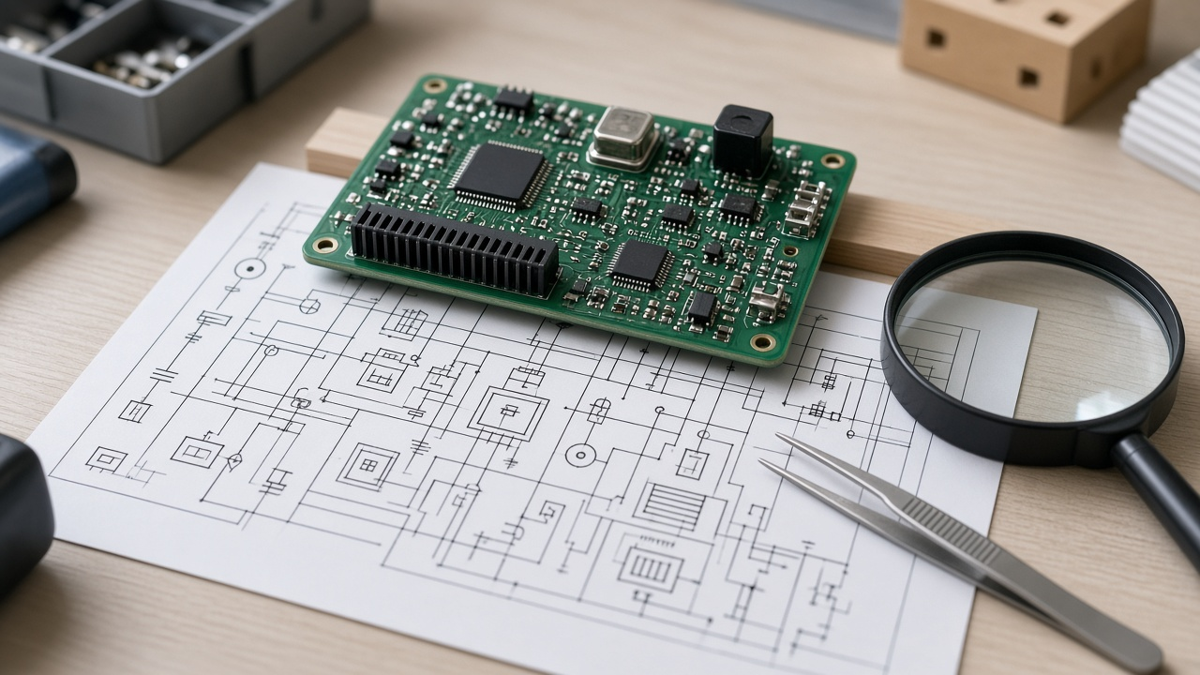
Most engineering queries we raise on PCBA orders do not start in the Gerbers. They start in the schematic. A reference designator that appears twice, a capacitor with no voltage rating, a diode symbol whose pin numbering disagrees with the footprint, a part marked "do not populate" on one page and present in the BOM, a note that says "fit R12 for option B" with no indication of which build this is. Each of these is invisible to a design rule check, and each turns into a question from the assembly floor—or worse, into a board built the way the data says rather than the way the designer meant.
General schematic tutorials cover symbols, net names and electrical rule checks. This article takes a narrower and more practical view: the schematic as the source of manufacturing data. The BOM, the netlist used for bare-board electrical test, the centroid file, the assembly drawing's reference designators and polarity marks, and the population variant all derive from it. If the schematic is clean in the ways described below, those outputs are clean, and a factory can build without stopping to ask. We write from the assembly side at XFPCB, listing the schematic problems that most often reach our engineering desk.
For how a first prototype exposes schematic logic errors that software misses, see our article on how a PCB prototype tests your schematic. This one is about the data the schematic hands to manufacturing.
The schematic's manufacturing outputs
It helps to be explicit about what flows downstream:
- Netlist – connectivity used by layout and, exported in IPC-D-356 or similar format, by bare-board electrical test.
- BOM – every part, its reference designators, quantity, and attributes: manufacturer, manufacturer part number, value, tolerance, rating, package.
- Reference designators – the key that joins BOM, centroid, assembly drawing, silkscreen and test program.
- Population variants – which parts are fitted in which build.
- Polarity and pin 1 intent – carried through symbol pin numbering to footprint pads and to the assembly drawing.
- Notes – special handling, hand-solder parts, matched pairs, programming, selection-at-test.
If any one of these is wrong or ambiguous in the schematic, every downstream file inherits the problem, and they tend to inherit it inconsistently, which is what makes it visible to a factory as a mismatch.
Reference designators: unique, stable, and readable
Reference designators look trivial and cause a surprising share of EQs.
Uniqueness. Every placed part needs one designator, used once. Duplicate designators often appear in multi-sheet or hierarchical schematics when the same sub-circuit is instantiated twice and annotation is not run across the whole project. The BOM then lists "R5" with quantity two, and the centroid has two R5 entries at different positions. The factory cannot know which value belongs where.
Stability. Re-annotating the whole design after layout has started renumbers parts, desynchronizes layout and documentation, and makes revision comparison almost impossible. Annotate once early, then add new parts with new numbers and leave gaps where parts are deleted.
Consistent prefixes. Standard prefixes—R, C, L, D, Q, U, J, P, SW, F, Y, TP, FB—let assembly and test staff understand the part class at a glance. Unusual prefixes are not wrong, but mixing styles (LED1 and D7 for the same type of part) confuses people working from the assembly drawing.
No suffix tricks. Designators like R12A and R12B, or case differences like r12 versus R12, survive in some tools and break in others. Different exports may normalize them differently, and that is exactly how BOM–centroid mismatches arise.
Hierarchical designs. For repeated channels, use an annotation scheme that produces readable designators (for example, channel-based ranges) and check that the flattened netlist and BOM carry the same designators as the placement file.
Part attributes that make the BOM buildable
A BOM is buildable when each line identifies exactly one purchasable part or a clearly defined set of approved alternates. The schematic is the right place to hold those attributes, because they then travel with every revision.
For each part, carry:
- Manufacturer and manufacturer part number (MPN). A value and a package ("10k 0402") is a description, not a part.
- Value with units and tolerance. "10k" is ambiguous in tolerance; "10 kΩ 1%" is not.
- Ratings that matter. Voltage for capacitors, power for resistors, current for inductors and fuses, temperature coefficient or dielectric for ceramic capacitors.
- Package / footprint name that matches the layout library.
- Approved alternates where you accept them, or a rule that governs substitution.
- Population flag (fitted or not fitted in each variant).
The most common BOM EQs we raise from schematics are capacitors with no voltage rating, resistors with no tolerance or power rating, generic parts with no MPN, MPNs that do not match the stated package, and connectors described by function ("USB connector") rather than part number. Each one is a question the factory must ask, because guessing is not acceptable on someone else's product. Our Component Sourcing team resolves these daily; clean attributes remove most of that work.
Polarity and pin 1: where symbol, footprint and drawing must agree
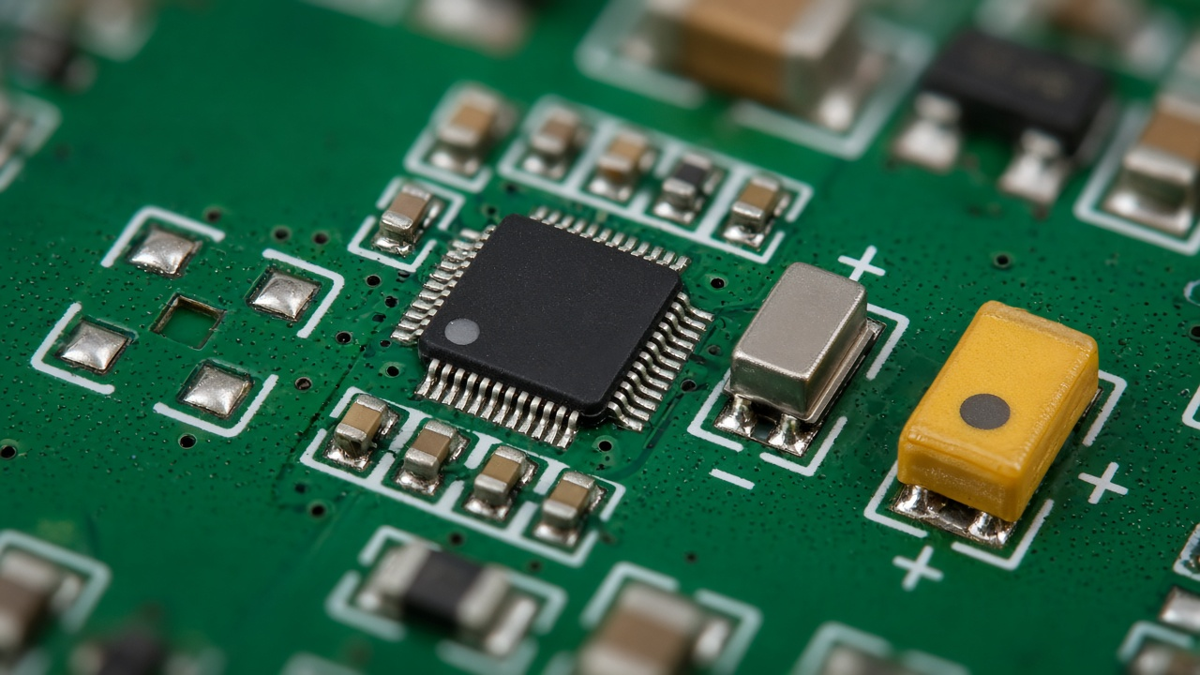
Polarity errors are expensive because they often pass visual inspection—the part is present and soldered, just reversed. The chain of intent runs from the schematic symbol's pin numbers, through the footprint's pad numbers, to the silkscreen mark and the assembly drawing.
Problems we see:
- Diode symbols with anode and cathode pin numbers swapped relative to the footprint convention. The schematic looks right, the footprint looks right, and the part goes in backwards.
- Transistor and MOSFET pin mappings that differ between manufacturers for the same package. A substitute with different pinout becomes a reversed part.
- LEDs and polarized capacitors whose footprint has no polarity mark, or whose mark is hidden under the part body after placement.
- Connectors with pin 1 ambiguity, especially when mating orientation is reversed between board and cable.
- ICs with exposed pads where the pad is assigned to the wrong net in the symbol.
Prevention starts in the schematic: use symbols whose pin numbers are tied to the specific MPN's data sheet, not to a generic symbol, and carry the MPN in the symbol so that a library check can confirm the mapping. Then make sure the footprint carries a polarity or pin-1 mark that survives placement, and that the assembly drawing shows it.
DNP and variants: one source of truth
Population variants are a major source of assembly errors when they are managed in more than one place. A designer marks a resistor "DNP" in a note on the schematic page, the BOM is exported without that flag, and the part is fitted. Or the BOM is edited by hand to remove DNP parts, and the next revision's export puts them back.
Good practice:
- Manage variants in the schematic tool using its variant or population feature, not with text notes.
- Export BOM and centroid per variant, and name files with the variant identifier.
- List DNP parts explicitly in the BOM with a not-fitted flag, rather than omitting them. A factory seeing a footprint on the board with no BOM line will ask; a factory seeing "DNP" will not.
- Keep the centroid consistent: DNP parts either appear with a not-fitted flag or are removed, but the convention must match the BOM.
- Mark the assembly drawing with variant identity and show DNP locations.
If the PO says "build variant B," the data package must make variant B unambiguous without reading schematic notes.
Notes that must leave the schematic
Schematics often contain information that matters to manufacturing but never reaches the files the factory uses:
- "Select at test" or "adjust on calibration" resistors.
- Matched pairs or binned parts.
- Hand-solder or post-reflow parts (heat-sensitive components, through-hole parts in an SMT design).
- Parts that must be programmed before or after assembly.
- Jumpers or zero-ohm links that set configuration.
- Special torque, adhesive, or underfill requirements tied to a part.
A factory does not read schematics during a build; it reads the BOM, centroid, assembly drawing and work instructions. Any instruction in the schematic must be copied to the assembly drawing or BOM notes. A useful habit is a "manufacturing notes" schematic page that lists all such items by reference designator, then a review step that confirms each appears on the assembly drawing.
Nets, test points, and the bare-board netlist
The schematic's net structure determines how useful bare-board and assembled test can be.
- Meaningful net names on power rails, clocks and critical interfaces make test reports and failure analysis readable. "NET00347" tells nobody anything.
- Intentional shorts and net ties (for example, separating analog and digital ground with a single tie point) should be modeled explicitly with a net-tie component, so the exported netlist does not claim two separate nets that are actually connected in copper. Otherwise bare-board electrical test reports a short that is designed in, and generates an EQ.
- Test points placed in the schematic, with designators, carry through to the centroid and to test program generation.
- No-connect markers on intentionally unused pins prevent ERC noise and make it obvious to reviewers that the pin was considered.
Schematic–layout synchronization
Most tools synchronize schematic and layout, but synchronization is only as good as the discipline around it.
- Forward-annotate changes from schematic to layout; do not edit connectivity in layout and leave the schematic behind.
- Back-annotate pin swaps and gate swaps made during layout, so that schematic, BOM and netlist agree.
- Compare netlists exported from schematic and from layout before release. A mismatch is a release blocker.
- Freeze the revision: all outputs—Gerbers, drill, netlist, BOM, centroid, drawings—exported from the same schematic and layout revision, with that revision identified in each file.
Our Manufacturing Files guide lists the full package that should come out of this frozen revision.
A release review that catches EQs before we do
Before sending data to a factory, a short review focused on manufacturing outputs pays for itself. We suggest:
- Annotation check – no duplicate designators across all sheets; no lowercase or suffix variants.
- BOM completeness – every fitted part has MPN, value, tolerance and relevant rating; no generic "TBD" lines.
- BOM–centroid diff – identical designator sets, DNP convention consistent.
- Polarity review – every polarized part's symbol pin mapping checked against its MPN data sheet; footprint mark present and visible after placement.
- Variant check – BOM and centroid exported for the intended variant and named accordingly.
- Notes transfer – every manufacturing note in the schematic appears on the assembly drawing or BOM.
- Netlist comparison – schematic and layout netlists match; net ties modeled.
- Revision stamp – one revision identifier on every file in the package.
This review usually takes less time than answering the EQs it prevents.
Common EQs we raise, traced back to the schematic
| EQ from assembly | Schematic root cause |
|---|---|
| BOM has R5 quantity 2, centroid has two R5 positions | Hierarchical sheet not annotated across project |
| Capacitor voltage rating missing | Attribute not carried in symbol |
| Diode placed per footprint is reversed vs silkscreen | Symbol pin numbering differs from footprint convention |
| Part on board with no BOM line | DNP marked in note, not in variant |
| Bare-board test reports a short between AGND and GND | Net tie not modeled |
| Assembly asked to fit "option B" resistor, no variant data | Variant managed in text notes |
| Substitute transistor reversed | Pinout differs between manufacturers; MPN not locked in symbol |
Fix the library, not just this release
Look down the right-hand column of that table and most causes are not mistakes in this design. They come from symbols: missing voltage attributes, pin numbering that disagrees with the footprint, MPNs that are not locked, and net ties that were never modeled. Correcting them in the release you are about to send clears this order's EQs. Correcting them in the library symbol clears the same EQ on every later board that reuses the part. When a factory question traces back to a symbol, log it against the library entry and change it there, then re-run the release review on the current board.